
Most “metrics to check” lists hand you seven or eight numbers with no order and no story. You end up with a spreadsheet of green cells and no idea which one would actually tell you the account is in trouble. The number that matters isn’t a fixed list; it’s a sequence. Check them in the wrong order and you can spend a month staring at a healthy-looking dashboard while the business underneath it makes zero sales.
Here are the five I actually check, in the order I check them, on every Shopify account this business runs Meta ads for. One of them is the number that would have saved me $1,570 of my own money, if I’d looked at it sooner.
1. CPM: is the account getting more expensive to reach people?
Cost per 1,000 impressions is the first number because it’s upstream of everything else. If it’s climbing, every other metric downstream gets more expensive to hold steady, and you want to know that before you go looking for a “creative problem” that’s actually a pricing problem. Australian Meta CPMs sit lower than the market most benchmark tables are built from: a median of roughly A$14.38 across 2025 to 2026, running about 30% below the global average, according to Superads’ Australia CPM data (drawn from roughly $3 billion of ad spend). That’s the baseline. What matters weekly isn’t whether you’re above or below that number, since verticals and audiences vary widely; it’s whether your own CPM moved more than about 15 to 20% week over week with nothing else changing. That’s the tell that something shifted in the auction, not in your creative.
2. Link CTR: did the ad earn the click?
Click-through rate on the link is the fastest read on whether the ad itself is doing its job. It’s also the number most founders check first and stop at, which is the mistake. A good CTR tells you the hook and the offer in the ad worked. It tells you nothing about what happened after someone landed. Watch it for direction, not a magic threshold. A CTR that’s been flat for three weeks and suddenly drops is the first sign the audience has seen the ad enough times to stop reacting to it, which is exactly what the next number is for.
3. Frequency: has the audience already seen this too many times?
There’s no single number where frequency guarantees trouble, but a commonly used ceiling for cold prospecting audiences is keeping frequency under 3.0, per AdAmigo’s Meta ads frequency benchmarks; retargeting audiences tolerate more. Nothing in Ads Manager stops the number from climbing on its own, so it’s on you to watch it. A frequency that’s been quietly grinding upward for two or three weeks while CTR slides is the same audience seeing the same ad past the point it still works. It’s a cheap, obvious fix (new creative or a wider audience) if you catch it in week two instead of week six.
4. Cost per purchase against your real breakeven, not against a benchmark
This is where most weekly checks quietly go wrong: comparing cost per purchase (or cost per lead, if that’s the model) against an industry benchmark instead of your own number. Your breakeven is your margin per order, full stop, not what a benchmark table says is “good” for your category. A CPA that’s 20% above a published average can still be profitable if your margin supports it, and a CPA that beats every benchmark in the report can still be losing money if it doesn’t. Do the arithmetic once, write the real number down, and check the account against that number every week instead of a stranger’s average.
Not sure which of these five your account is actually failing?
Free teardown of your account and your landing page against these exact checks: what’s actually moving, what isn’t, and where the real leak is. Back in 48 hours, yours to keep either way.
5. Landing-page conversion rate: the number Ads Manager won’t show you
The fifth number lives outside Meta entirely: what percentage of people who clicked and landed on your store actually bought. Ads Manager will tell you about clicks and, with the pixel wired up, purchases, but it won’t hand you a clean read on where between “landed” and “bought” people dropped off unless you’re also watching your own store analytics. This is the number that separates an ads problem from a store problem, and it’s the one every generic “metrics to check” list skips, because it isn’t a Meta metric at all.
A campaign report full of green numbers can still be sitting on top of a business that made zero sales. That’s not a hypothetical for me. It’s what happened with my own money.
What actually happened when I ran the numbers on my own account
I ran $1,570 of my own Meta ads earlier this year. Thirty-two leads, forty-nine dollars a lead, zero of them became a client. If you’d handed me numbers one through three from that account mid-campaign, they’d have looked fine: CPM was reasonable, the ads were earning clicks, frequency hadn’t spiked. The failure was entirely downstream, in the gap between “someone clicked” and “someone bought,” which is exactly what number five is built to catch. I found it by going looking afterward. The whole point of checking these five in order, every week, is that you don’t have to wait until afterward.
This is also the argument for checking weekly instead of once a month, which I’ve written about separately in daily coverage versus monthly check-ins. A month is a long time for a frequency problem or a landing-page leak to go unnoticed while spend keeps running against it.
The five-minute weekly routine
You don’t need a dashboard subscription to do this. Every week, in this order:
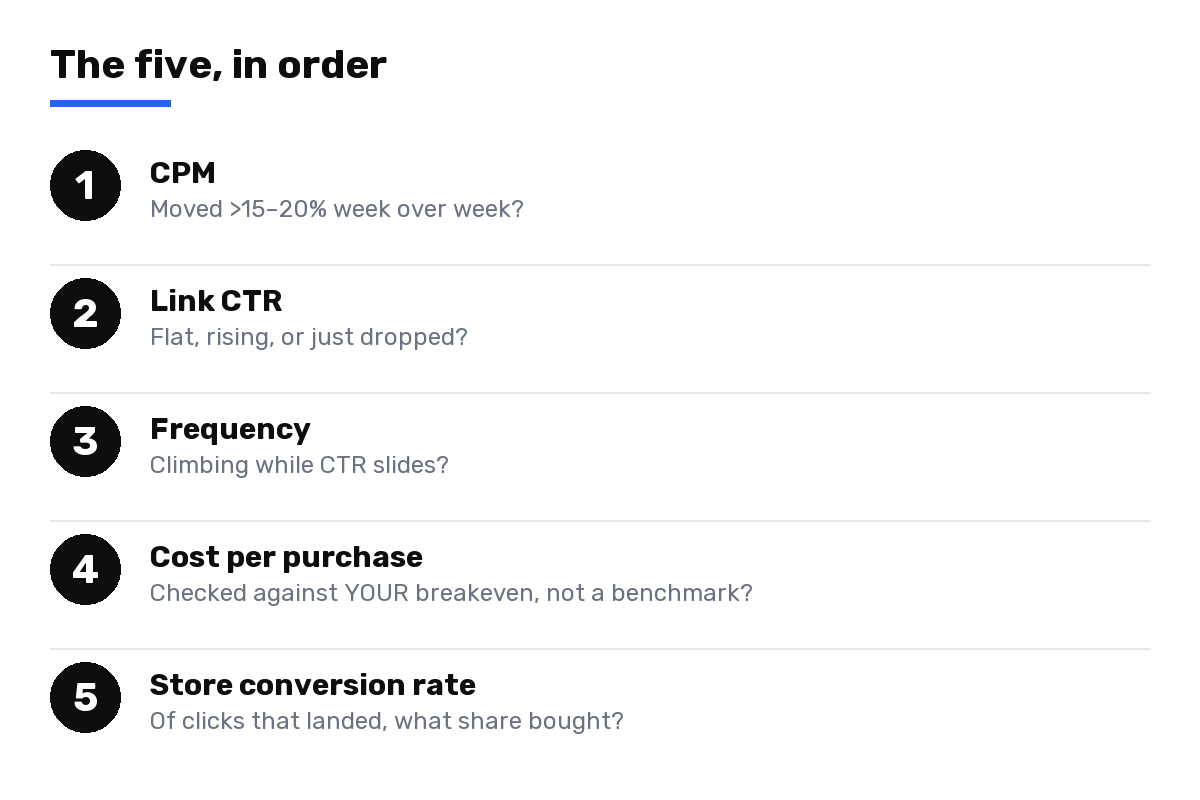
- CPM: did it move more than 15 to 20% with nothing else changing?
- Link CTR: flat, rising, or has it dropped after weeks of being steady?
- Frequency: is it climbing while CTR slides?
- Cost per purchase: against your own margin-based breakeven, not a benchmark table.
- Store conversion rate: of the people who clicked and landed, what share actually bought?
Five numbers, five minutes, one order. If the first three are fine and the campaign still isn’t selling, the problem was never the ads. It’s what happens after the click, which is exactly the failure mode covered in clicks but no sales: seven fixable causes. And if you’d rather have someone else run this same check against your account every week instead of remembering to do it yourself, that’s the whole job described on Meta ads for eCommerce.
None of this requires trusting a benchmark table over your own account. It requires looking at the right five numbers, in the right order, before a month goes by.
Want these five numbers read for you, every week?
Free teardown first: what these five numbers say about your account right now, no cost, no obligation. Then, if it’s a fit, Daily Coverage means someone checks this list against your account every single day, not once a month.